

Just because a teacher is in front of a class with slides and a lesson plan doesn’t mean they have the room’s attention. What makes a good presentation work in an educational context is different from what works in a boardroom – students have shorter attention windows, different motivation levels, and a far lower tolerance for slides filled with text. Doing this well requires intentional planning.
This guide is for instructors who want to improve how they teach their material to students in K-12 classrooms, higher education, or workshops.
Prepare Your Lesson Before Opening a Deck
How to organize a presentation for a student audience begins with the learning outcome, not the material. The first question is not “what do I want to cover?” but “what do I want students to know or be able to do by the end?”
A structure that works in educational settings consistently:
- Activate – link the topic to something students already know or care about
- Introduce – concisely state the main idea in simple terms
- Explain – go a level deeper with examples, proof or demonstration
- Apply – demonstrate how it works in context or allow students an opportunity to comprehend it
- Consolidate – pull together the important point and link to next time
Teachers who construct slides around this arc end up with lessons that feel coherent, not rushed. The structure also makes it easier to cut content when time is short – you can see what’s essential and what’s extra immediately.
One Thought Per Slide
One idea per slide – not a chapter, not a sub-topic, one simple notion. When a slide is trying to do too much, students don’t know where to look, and neither does the teacher. A tight slide also makes us think more clearly about what really needs to be said out loud versus what can live on a handout or in a follow-up resource.
How Visual Aids Alter the Ways Students Learn
How to use visual aids in a presentation is one of the most underutilized abilities in classroom teaching. A good diagram shows the structure quicker than a description. A good image provides a hook that students remember when reviewing. A badly chosen visual – clip art, a busy infographic, a chart with an unlabelled axis – creates noise, not clarity.
What works in educational slides:
- Images that explain the idea, not embellish the slide
- Diagrams with minimal labeling that students can interpret with help
- Large typeface surrounded by space – short quotes or key terms
- Charts with the main point in the title, not open to interpretation
Getting clean-looking slides takes longer than most people imagine. Teachers who create numerous lessons a week know this very well – formatting takes up time that should be spent planning the actual lesson. Educators and students who use Slideonic.ai as a slideshow generator to make an organized, visually consistent presentation deck from a prompt or outline, and use the time saved for content and delivery instead. A professional-looking starting point also changes the way students receive material before a word is ever spoken. First impressions count in a classroom too.
How to Engage a Student Audience
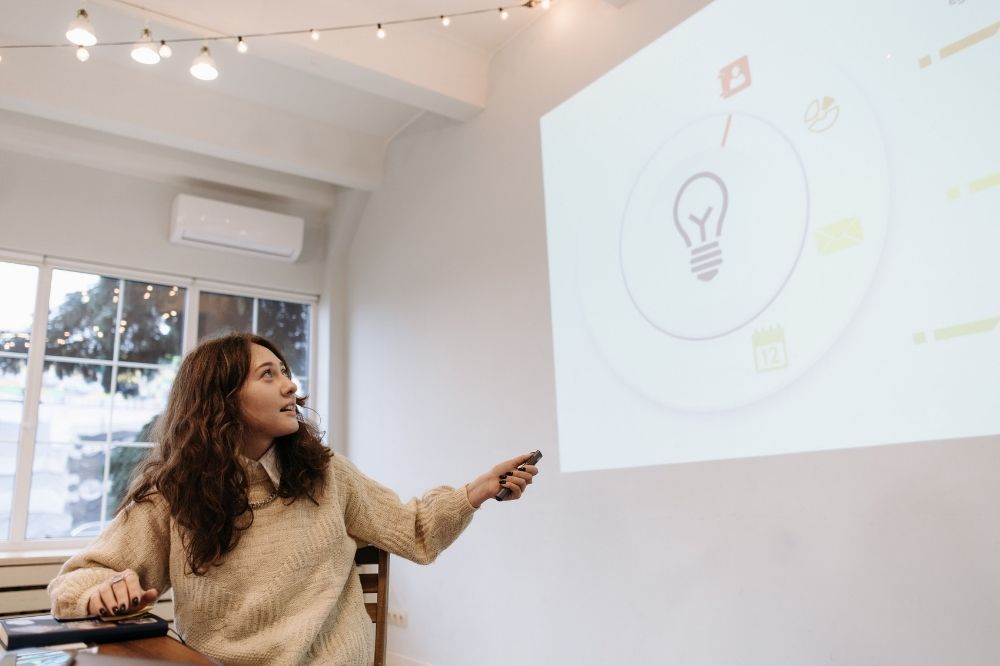
How to engage an audience of students in a presentation is different when the audience is a classroom. Students don’t attend voluntarily. They come with variable amounts of background knowledge, varying energy levels at different times of day, and competing demands on their attention. All of that shows up in the strategies that work.
| Engagement Strategy | How to Use It | Why It Works |
| Begin with a question | Before revealing anything | Builds anticipation, activates prior knowledge |
| Lead with a concrete example | Case before concept | Students connect abstract ideas to reality |
| Include a deliberate pause | Stop and say “What do you notice?” | Avoids passive reception |
| Keep text on slides minimal | Make students listen, not read | Decreases divided attention |
| Callback to the opener | Return to the opening question at the end | Creates a sense of closure |
The biggest mistake with engagement is treating it as something distinct – a warm-up, a game, a poll. Engagement works better when it is built into the structure of the explanation itself.
The Problem of Pacing
Most teachers don’t realize how long it takes to assimilate a new concept. How to improve presentation skills for educators often comes down to pacing – slowing down at the points that matter, not rushing to cover everything on the slide. A useful practice: after explaining an important idea, pause for three full seconds before continuing. It feels far too long from the front of the room. For students, it’s barely enough time.
Delivery and What Students Actually Notice
How to present confidently in class isn’t only about managing nerves. It’s about the signals instructors deliver through physical presence, voice and movement. Students read these signals and adjust their own engagement accordingly.
Things that matter specifically:
- Eye contact distributed across the room, not fixed in one section or on the screen
- Voice variation – flat monotone signals low energy regardless of the content
- Intentional movement – walking toward students while explaining, stillness during key points
- Never talking to the slides – teachers who face the screen lose the room within minutes
When Things Go Wrong
Technology fails. Students don’t respond as expected. The lesson runs long. Student presentation tips generally focus on ideal conditions – but instructors need to know how to handle the messy version too. A loose structure leaves room to adapt. A script does not. The more a teacher knows the material independently of the slides, the more flexible the delivery can be when it needs to be.
Practice and Review
Presentation practice tips for instructors are different from those for students. Full rehearsals are rarely practical, and they aren’t always useful. What builds over time is the habit of reviewing after delivery.
A short reflection routine that actually improves lessons:
- At what slides were students most visibly engaged? According to Edutopia, it’s about visual thinking, which is very important too.
- Was there a slide that generated confusion or needed more explanation?
- Did the pacing feel right, or did something seem rushed or over-explained?
- Would a different example have made the main idea clearer?
Even briefly going through these questions after class surfaces what to adjust for next time. How to make a school presentation that consistently works isn’t about perfection in any one lesson – it’s about iteration across many.
Final Thoughts
Class presentation ideas that hold student attention aren’t about being innovative. Students don’t need each lesson to be a performance. They need material that is organized, presented clearly, and delivered by someone who knows what they want students to take away. The strategies here – clear structure, intentional visuals, pacing, and reflection – are practical and transferable across subjects and levels. Start with one change, and the cumulative effect becomes visible quickly.
