
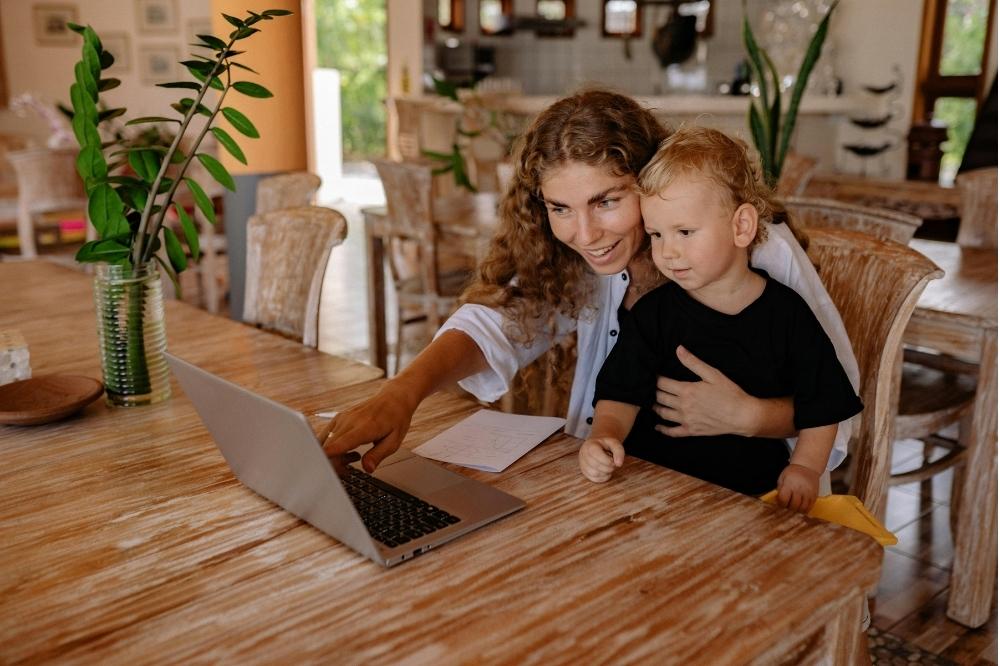
Do you remember your child’s most recent breakthrough? It could be as simple as counting bugs under a garden rock or learning fractions while baking cookies. Everyday moments are packed with hidden learning opportunities. Parents pull out phones to document their children with a quick photo or video. Unfortunately, those files usually end up lost in a massive digital archive, never to be opened again. By packaging your personal photos and videos into brief, tailored educational slideshows, you build a highly effective learning resource.
The best part is that these skills are incredibly versatile. Once you master the basics, you can use your software to create not only educational videos but also memorable clips for various family holidays. For instance, you can easily design a heartwarming birthday slideshow, a New Year’s lookback, or a graduation video.
Read on to discover how to easily create these personalized videos and transform your everyday phone photos into a study session your child will love to watch.
Why Children Crave—and Benefit From—Seeing the Same Videos
Every parent who has read the same exact picture book thirty nights in a row knows how much young minds love repetition. This behavior isn’t just a funny habit; it is how developing brains map out and cement new neural connections.
Rewatching a video helps a young child see past the obvious. They start spotting tiny details, predicting what happens next, and truly understanding the concept. In early childhood, this kind of visual repetition works absolute wonders.
When you put together a custom presentation featuring your child, you unlock several major benefits:
- Real-World Context: Lessons anchor directly to their actual environment instead of a fictional cartoon setting.
- Active Recall: When kids watch themselves pointing out colors or counting bugs, for example, it jogs their memory. They easily remember the lesson because they are remembering their own real-life experience.
- Positive Reinforcement: Watching their own real-life victories builds massive self-assurance. They look at the screen and realize they can handle tough tasks on their own.

Get Started: 3 Simple Slideshow Ideas You Can Try
Creating a meaningful video doesn’t require high-tech gear or professional lesson plans. You simply need to view your normal routine from an educator’s perspective. Try building one of these three simple concepts this week.
1. Kitchen Math
Prepping a meal offers an excellent, multi-sensory lesson covering basic math, chemistry, and life skills. Next time you cook dinner or bake a treat, document the process.
- Capture the raw ingredients that are on the counter.
- Photograph your child leveling off a cup of flour.
- Film a quick five-second video of them mixing the batter.
- The Lesson Angle: Write simple text captions or record a voiceover detailing the numbers and steps. “First, we measured 1 cup of flour. Next came 2 eggs. Watch how heat changes our wet batter into solid food!”
2. The Backyard Safari
Skip the expensive zoo trip and look for science lessons right outside your door. A quick walk down the block or five minutes in the grass yields plenty of raw material.
- Photograph different leaf structures, unique rocks, or local birds.
- Get a clear shot of a spiderweb or some bright green moss growing on a tree.
- The Lesson Angle: Use these visuals to expand your child’s vocabulary, practice sorting objects, and improve observation skills. Add clear labels like rough, smooth, oak leaf, or pigeon. Use your voiceover to prompt their memory: “Remember how soft this moss felt when we touched it?”
3. Rainy-Day Letter Hunts
Transform a rainy day at home into a reading game by hunting for specific letters or colors around the house.
- Select a single letter to focus on, like the letter B.
- Ask your child to search the rooms for items starting with that specific sound, taking a photo of every success: a ball, a book, a banana, and a blanket.
- The Lesson Angle: Devise one slide per object, showing the uppercase and lowercase letters right next to your photo. This creates a customized set of digital flashcards.
Your Step-by-Step Production Guide
Building these digital assets is incredibly straightforward. You can keep the workflow quick, simple, and stress-free by following four basic steps.
Step 1: Shoot Authentic Moments
Forget about perfect lighting, expensive filters, or staged smiles. Just keep your phone handy during chores or playtime. Capture hands-on work, tight close-ups on what they are building, and the genuine pride on their faces when they finish a task.
Step 2: Keep the Sequence Brief
Aim for a final runtime between one and three minutes. This length matches a young child’s attention span perfectly. Pick 5 to 12 strong photos or short clips that follow a clear timeline or focus on a single topic.
Step 3: Add Narrative and Text
Basic video editing apps let you overlay large text blocks or record a clear voice track right through your phone’s mic. Stick to bold, simple fonts that are easy to decode. Speak clearly, keep your tone enthusiastic, and use the exact same encouraging words you use when speaking to them face-to-face.
Step 4: Select a Fitting Soundtrack
The right audio brings your slides to life. Background music establishes the mood, guides transitions, and holds a child’s focus. You need background music that complements the visuals without distracting from the lesson or overpowering your voiceover, helping you elevate the video to perfection. The right audio track adds that polished, professional touch to any project.
Using Technology with Purpose
We all feel that twinge of guilt when we hand over a tablet just to get twenty minutes of peace. But there is a huge difference between letting a cartoon zone your kid out and letting them watch a video they actually helped make.
When you create these short, focused presentations, you aren’t using a device just to keep your child quiet. You are hand-crafting a mirror that reflects their own intelligence, curiosity, and developmental progress. You show them that their immediate world is packed with fascinating things worth studying and remembering.
Give this project a shot over the next few days. Scroll through your phone, pull out a few photos from your last neighborhood walk or craft project, and clip them into a tiny lesson. Do not be surprised if it quickly becomes the absolute favorite video on your phone.
