

Kids pick up technology faster than most parents expect, but real digital confidence comes from doing meaningful tasks, not just tapping games. The household is full of ordinary paperwork that doubles as a low-pressure classroom. Permission slips, chore charts, birthday invitations, and reading logs all involve skills children will use for years, and handling them together turns screen time into practice with purpose.
Start with something familiar, like a summer reading tracker or a weekly chore sheet. Instead of printing a blank page, turn it into something interactive by showing your child how to make a fillable PDF form, which gives them a hands-on sense of how digital documents actually work.
Keep it simple: comfort with keyboards, files, and steady thinking comes from jobs already sitting in your week. That beats typing drills, and here is why.
Why Real Paperwork Beats Practice Worksheets
Children learn best when a task has a clear outcome they care about. A worksheet that trains mouse clicks feels like a chore, while a field-trip form that actually gets emailed to a teacher feels important. That sense of consequence is what makes the skill stick.
Research on hands-on learning supports this. The American Academy of Pediatrics notes that active, purposeful screen use tends to serve kids better than passive consumption. Family paperwork fits that active model neatly, because a child is producing something instead of just watching.
Everyday documents also teach patience and accuracy. Fixing a misspelled name on an invitation or lining up dates on a calendar shows children that details count, a lesson that transfers to schoolwork and, later, to jobs.
Skills Kids Build While Handling Documents
A single family document can cover several competencies at once. Before you assign a task, it helps to know which skills it reinforces so you can rotate through them over the weeks. The list below maps common household paperwork to the abilities it develops.
- Typing and text entry: fill in names, dates, and short answers on a reading log or camp form.
- File organization: save, rename, and sort documents into folders so nothing gets lost.
- Formatting awareness: adjust spacing, alignment, and headings on a party invitation.
- Following instructions: complete every required field on a permission slip in the right order.
- Digital sharing: attach a finished file to an email or save it to a shared cloud folder.
Rotate through these over a month to give kids a broad, practical foundation without any single session feeling like a lesson.
A Simple Weekend Project to Try Together
One of the easiest starting points is a personalized chore chart your child designs and maintains. It combines creativity, structure, and repeated practice, and it produces something the whole family uses. This kind of project works well for elementary and early middle-school ages.
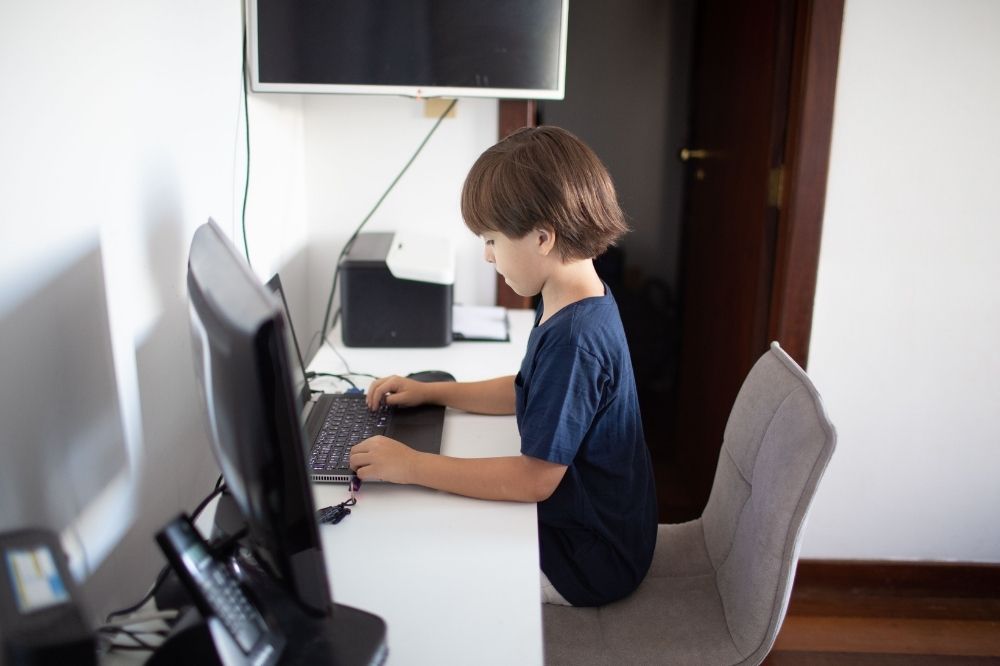
Walk through it as a shared activity rather than a tutorial. Sit beside your child, let them control the keyboard, and step in only when they ask. Learning to change fonts in a PDF is a small but satisfying win that makes the chart feel like theirs, and design choices like that keep kids invested in finishing the task.
Here is a sequence to follow for the chore chart:
- Open a browser-based PDF editor and start a blank document or a simple template.
- Add a title, the days of the week, and a row for each chore.
- Insert checkboxes or fillable fields so tasks can be marked complete.
- Let your child pick fonts, colors, and spacing for the headings.
- Save the file, then share it to a shared folder the family can open all week.
By the end, your child has built, formatted, saved, and shared a working document — a full digital workflow in miniature.
Common Mistakes Parents Can Sidestep
Even well-meaning lessons can stall if the setup feels overwhelming. A few small adjustments keep the experience positive and age-appropriate. The points below cover the traps parents most often run into.
- Taking over the keyboard: doing the work for them removes the learning; guide with questions instead.
- Choosing tasks that are too long: a fifteen-minute project holds attention far better than an hour-long one.
- Skipping the save-and-organize step: naming and filing the document is one of the most valuable habits of all.
- Ignoring privacy basics: teach kids to use first names or initials and to ask before sharing anything with an address or phone number.
Sidestepping these keeps the sessions short, calm, and genuinely educational.
Turn a Habit Into Lasting Confidence
Consistency matters more than intensity. A ten-minute document task once or twice a week compounds into real fluency over a school year. Children who regularly type, format, save, and share files approach classroom technology projects with confidence.
Family paperwork is not glamorous, yet it may be the most natural training ground you already have at home. Each form, chart, and invitation becomes a chance to build capable computer users one small task at a time.
